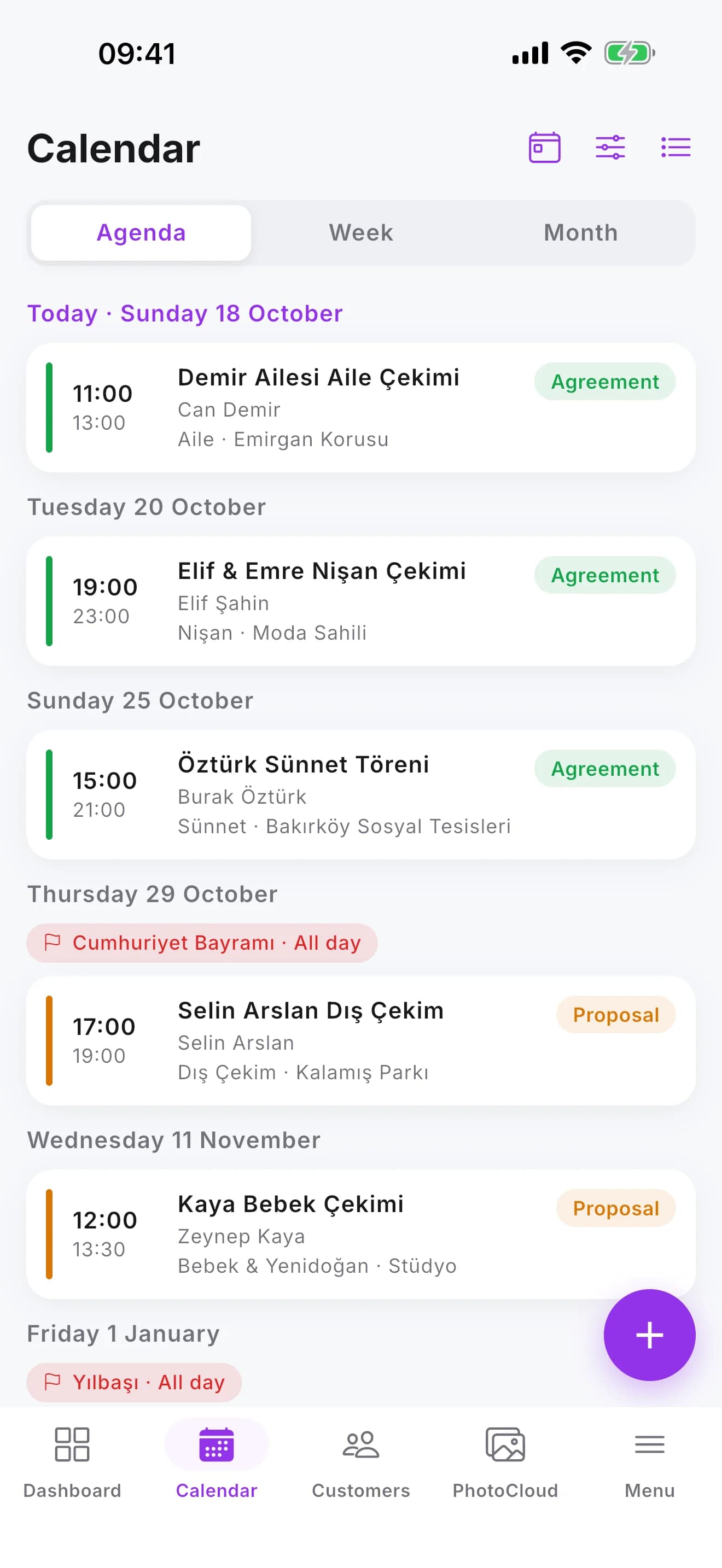
Calendar and events
Proposals, contracts, team and equipment on one calendar
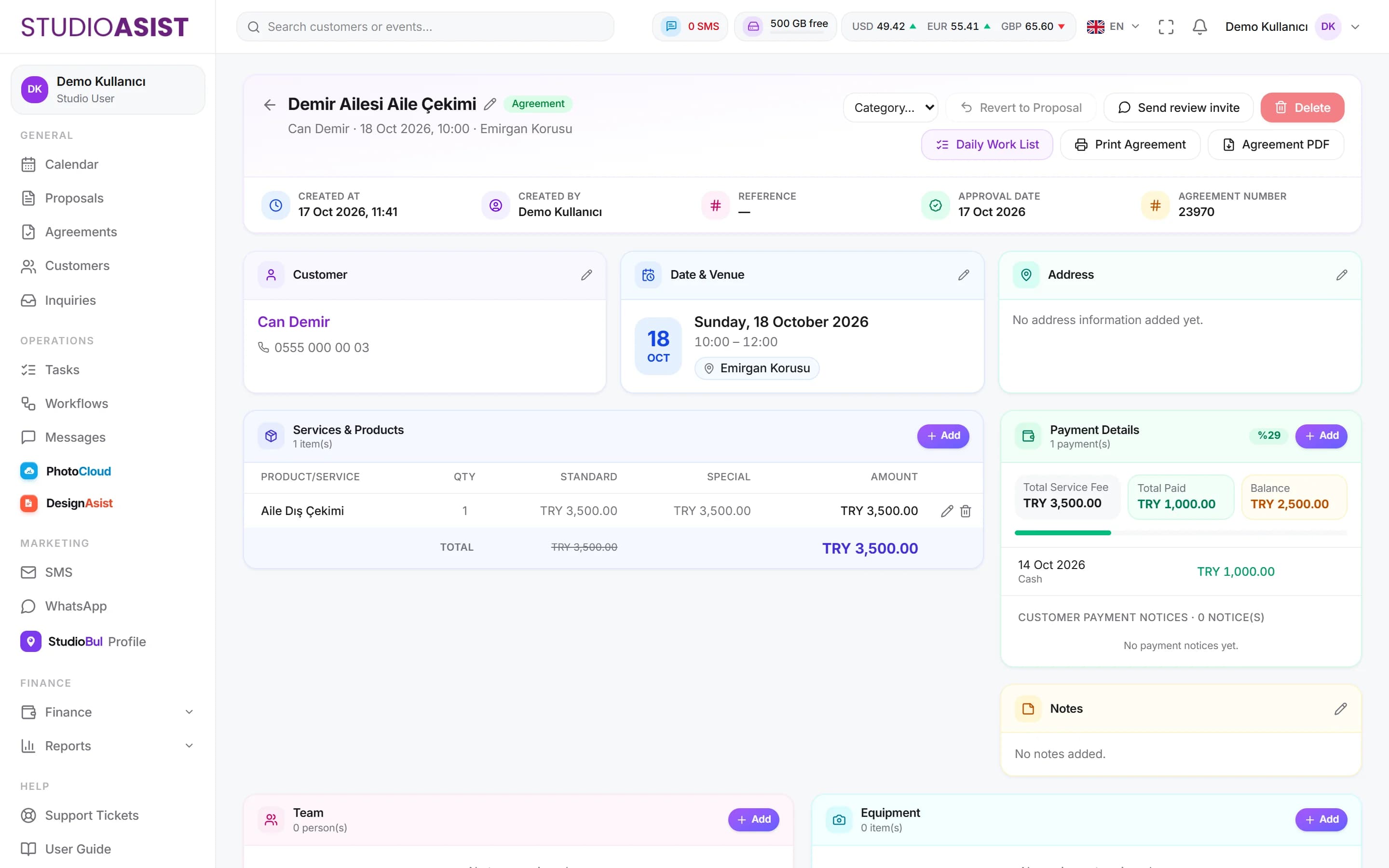
DetailsUpload photos into folders and send the link to your client by SMS. The client picks favourites and sends the selection, and sees payments and event details in the same panel.
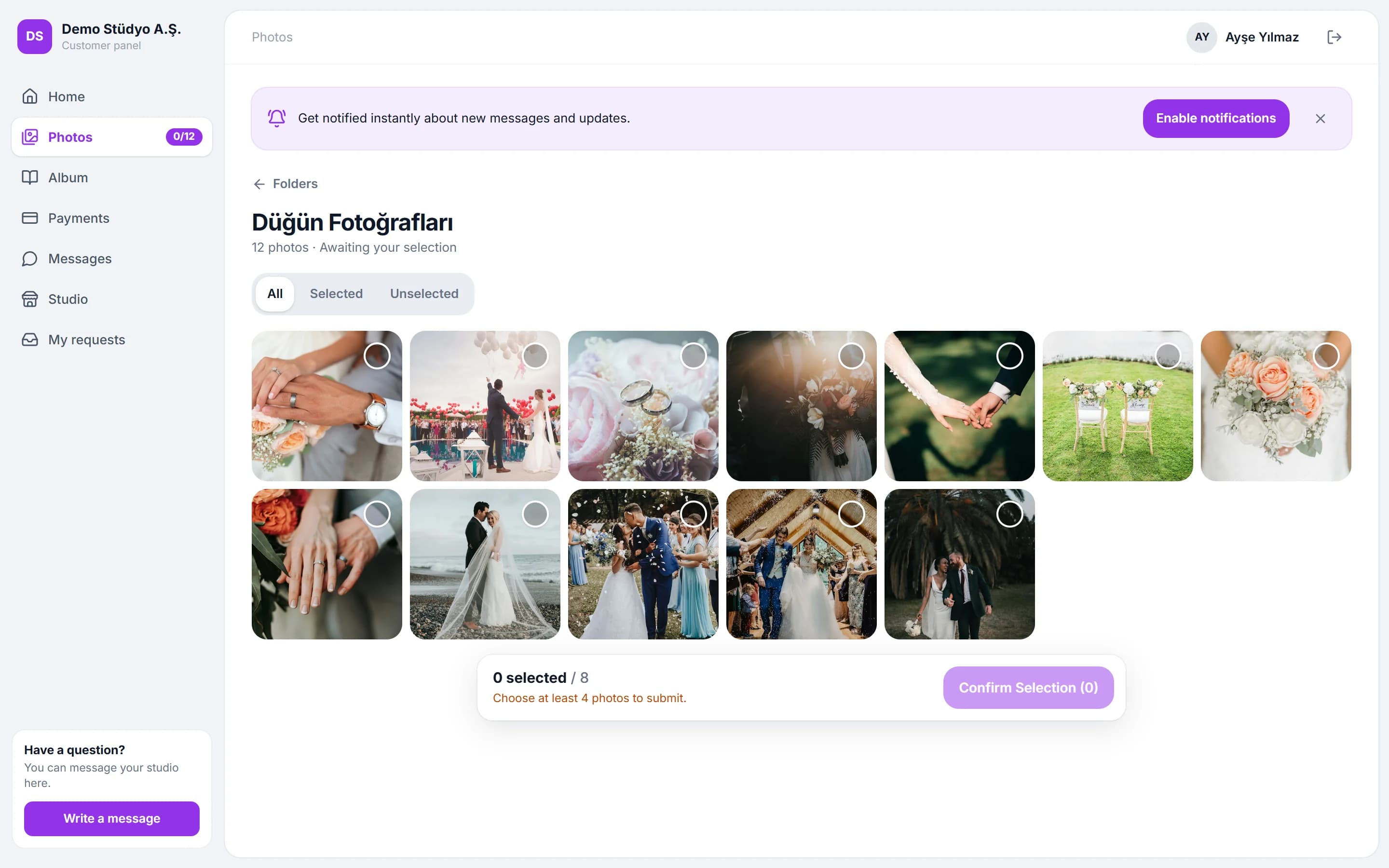
Upload photos and videos to the event's folders from the web panel or the mobile app.
Send the client their personal link by SMS; they enter their panel without remembering a password.
You set the minimum and maximum picks, download permission and watermark.
When the client sends their selection, the picked photos are marked in the folder.
The client reports a payment from the panel; the notice is added to the event record.
When the job is done, invite your client to review your StudioBul profile.
Upload the photos to the event folder, set the selection limit and send the link to your client.
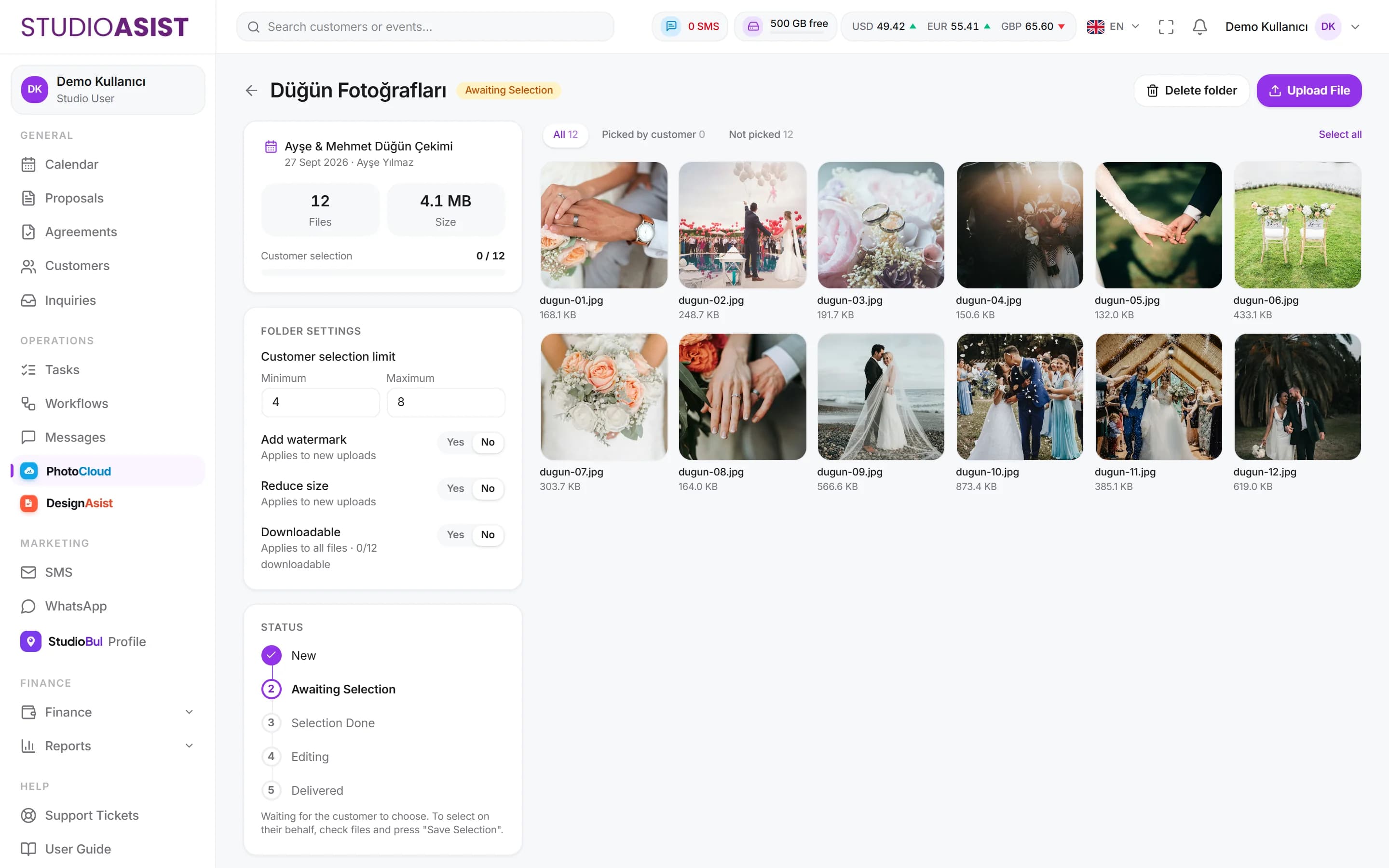
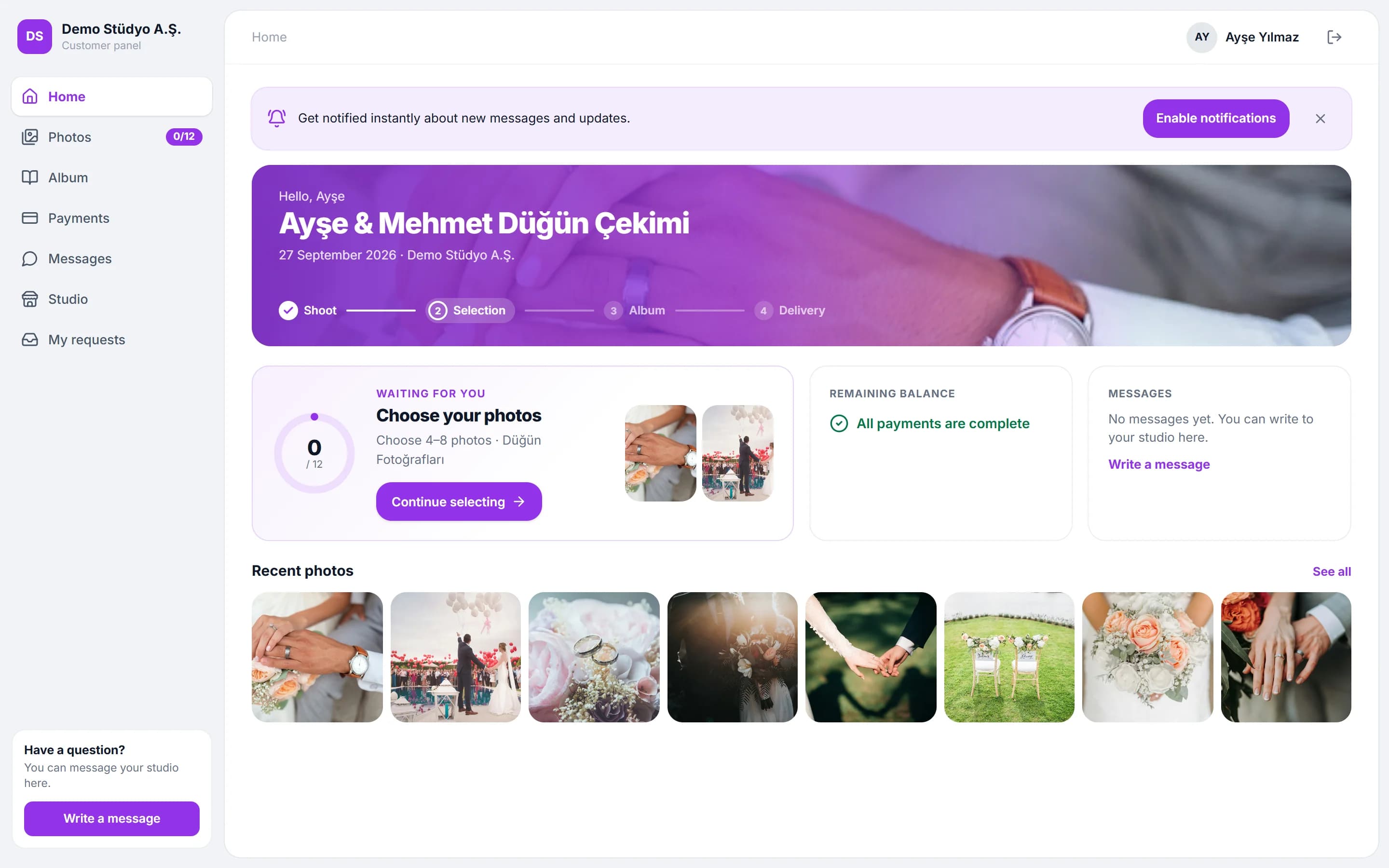
The client sees the event date, venue and payments; picks photos, reports a payment and writes to you.
The selection and payment notice are recorded on the event; you carry on with the picked photos.
No. The client panel opens in the browser; tapping the link you send is enough.
You decide on download permission. Without it, the client can only view and pick the photos.
Yes. When uploading, you can choose to show the photos to the client with a watermark.
For each send you set the minimum and maximum number of picks; the client sends their selection within those limits.
Open your account in a few minutes and add your first event to the calendar today.