

Calendar and events
Proposals, contracts, team and equipment on one calendar
DetailsCheck the calendar on shoot day, call the client, upload photos on location. Your web panel data is the same on your phone.
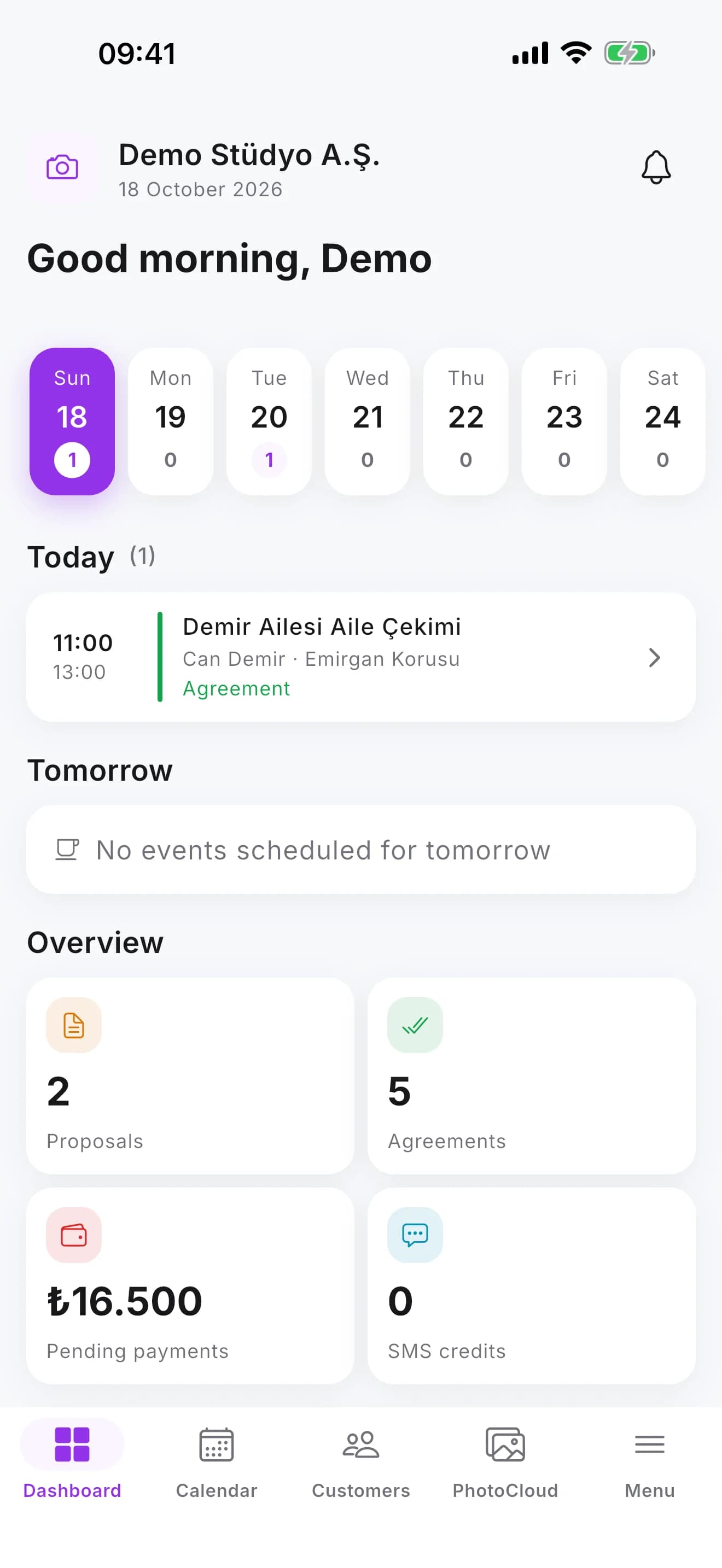
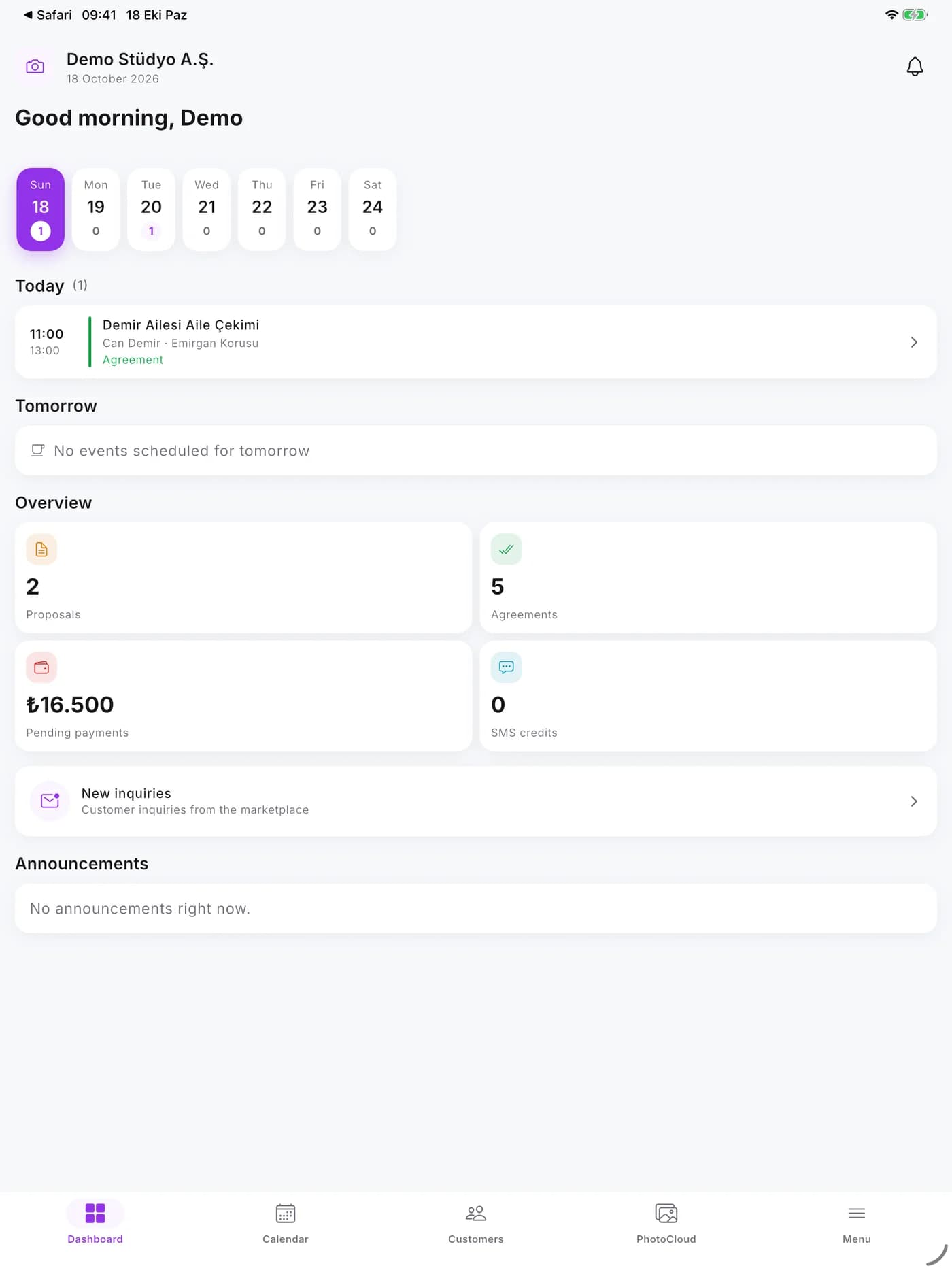
Today's and this week's shoots, event details, team and payments.
Call the client; write by WhatsApp, SMS or e-mail; see their past events.
Upload photos and videos from your phone straight to the PhotoCloud folder.
The notification centre and team and client chats in your pocket.
See the tasks assigned to you and update the job's stage.
Fast, secure sign-in with your device lock; you can delete your account in the app.
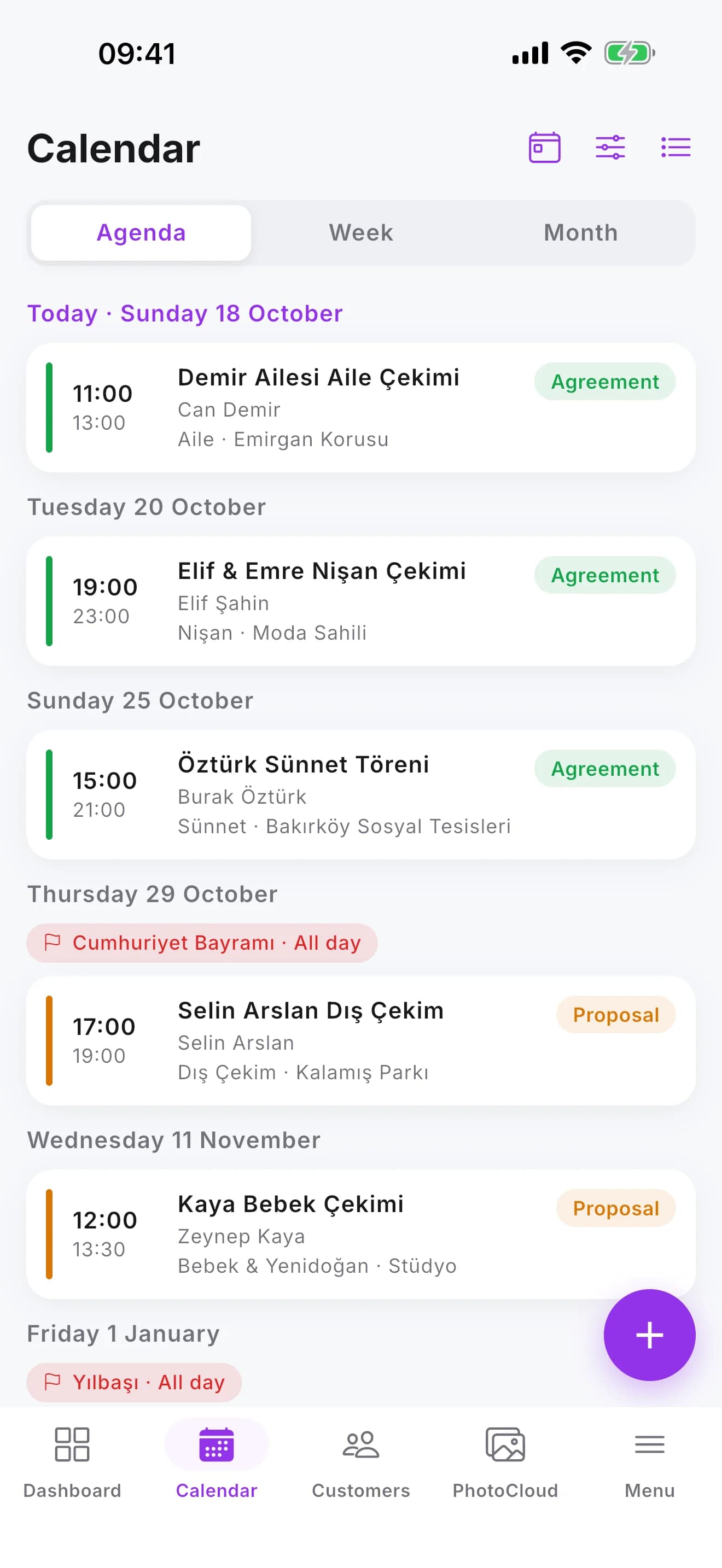
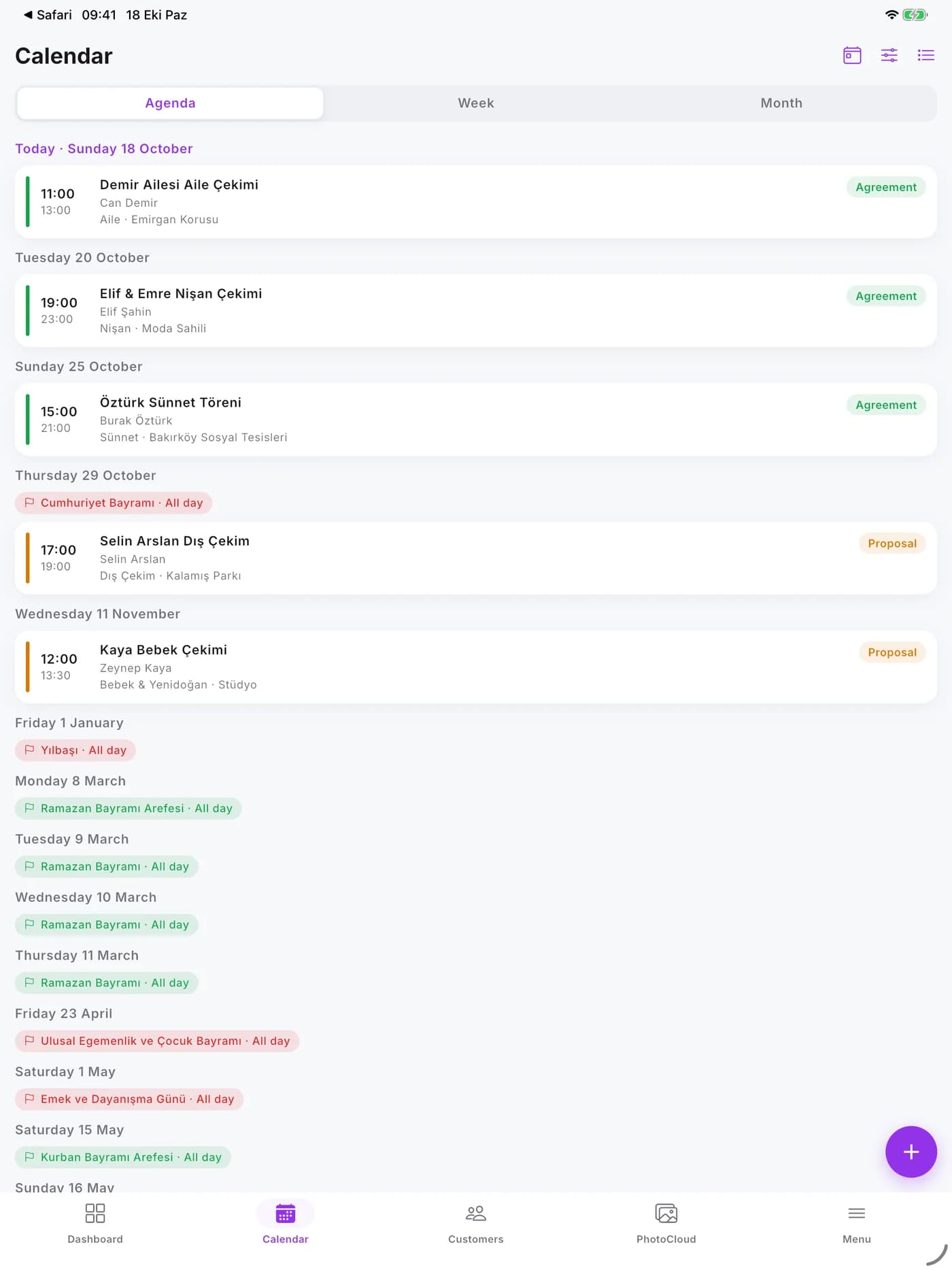
Today's and this week's shoots with time and venue on the calendar.
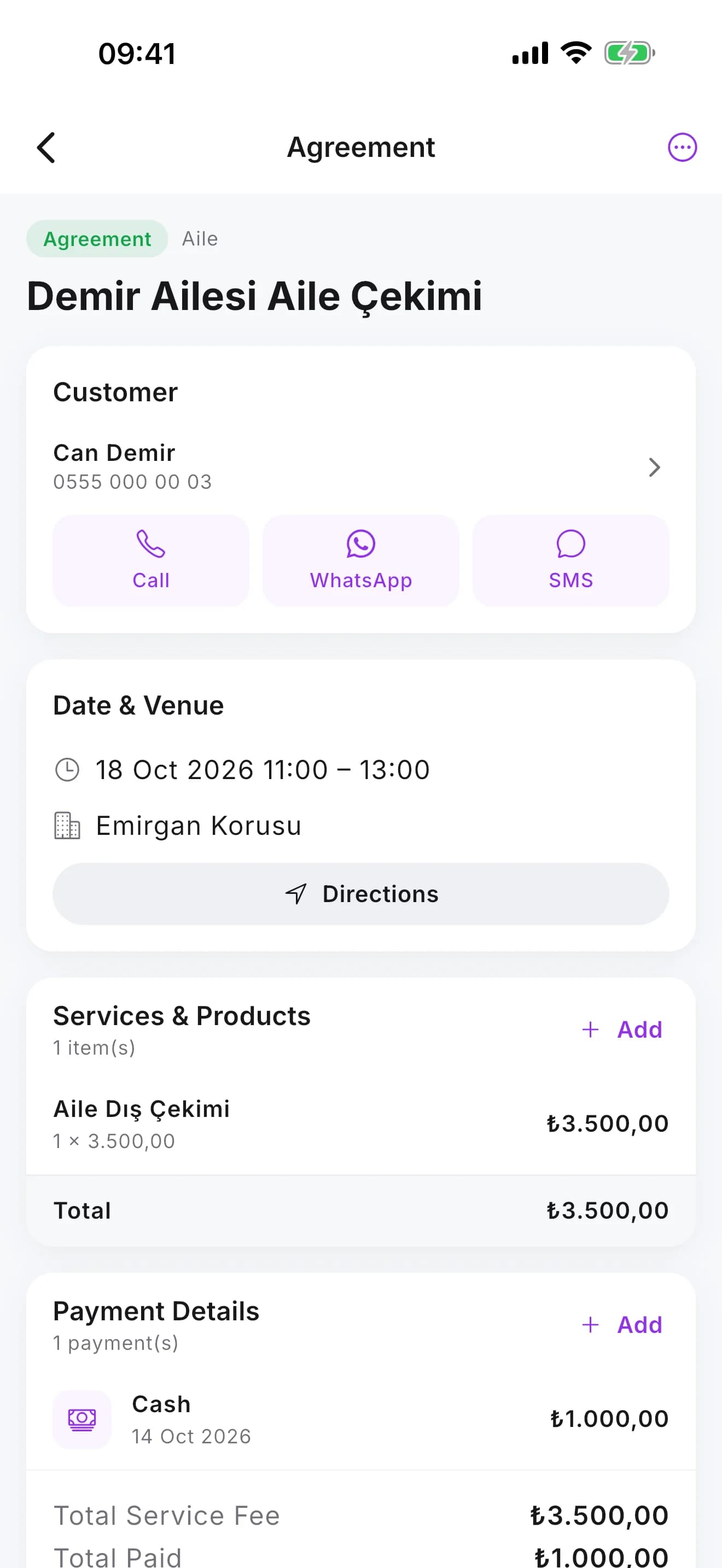
Services, payments, team and notes on one screen; open the venue on the map for directions.
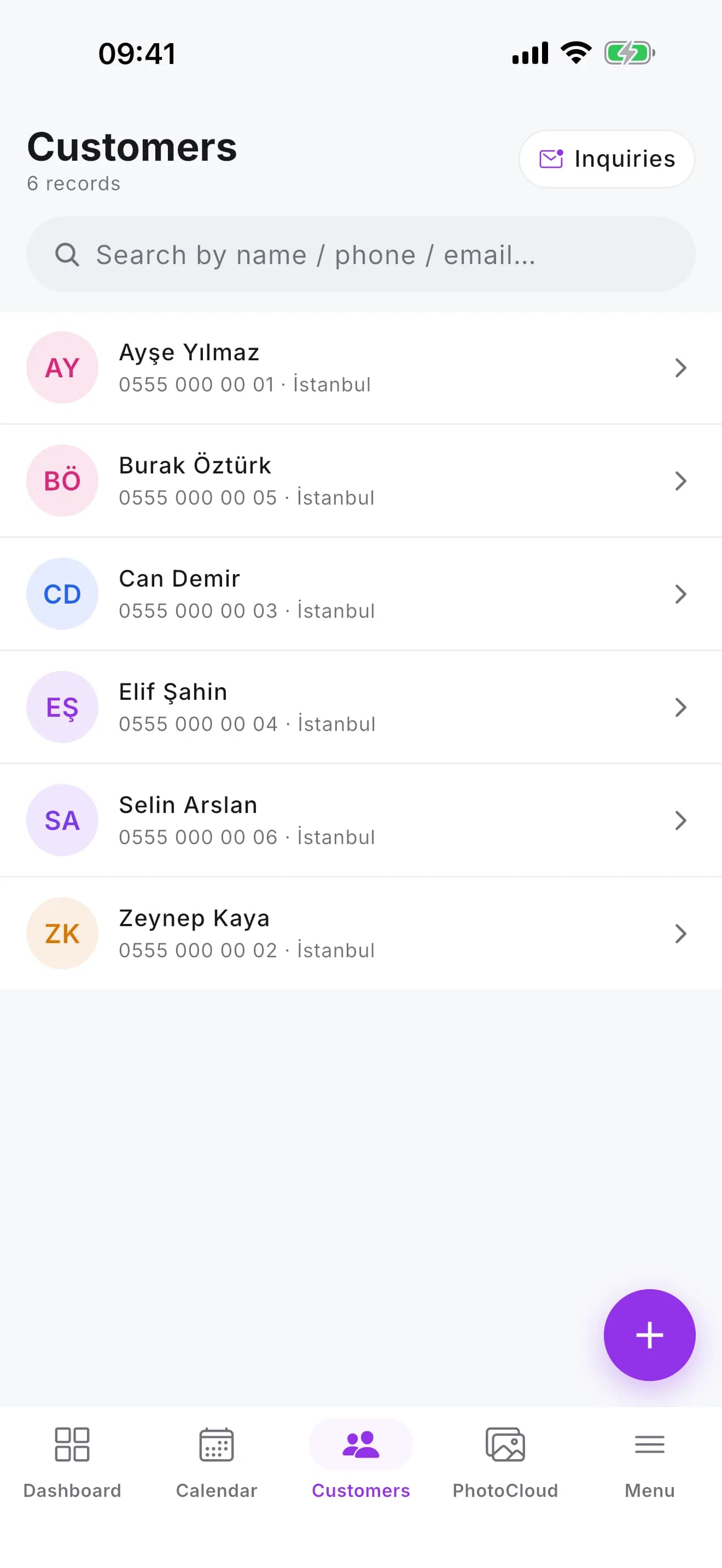
Call from the client directory, send a WhatsApp or SMS.
You download the app for free from the App Store and Google Play and sign in with your StudioAsist user. See the pricing section for which plans include the mobile app.
It runs on iPhone, iPad and Android phones and tablets.
Yes. The app uses the same account as the web panel; a change made in one shows in the other.
Yes. You can delete your account in the app with Delete account on the Menu tab. Details are on the Account deletion page.
Open your account in a few minutes and add your first event to the calendar today.